CimEdit Procedures
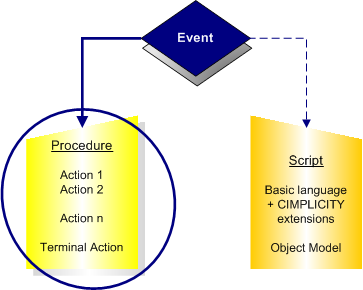
CIMPLICITY provides several tools to make things happen in CimEdit and in CimView. The tools can be categorized as triggers that are configured as events and results that can be configured through procedures or scripts.
Trigger
An event triggers a procedure or calls a script. CimEdit provides a long list of events from which you can choose the best one for your requirements.
Result
A script, which is usually written by a system administrator, uses the same Editor and Basic language as the Basic Control Engine. Anything you can do in a normal script, you can do in a CimEdit script. CimEdit provides additional extensions to give you a wider range of screen development choices. However, CimEdit scripts are only accessible from the screen in which you create them.